

N10-009 Exam Question 106
A network administrator is troubleshooting a connection issue and needs to determine the path that a packet will take. Which of the following commands accomplishes this task?
N10-009 Exam Question 107
A network administrator is configuring a network for a new site that will have 150 users. Within the next year, the site is expected to grow by ten users. Each user will have two IP addresses, one for a computer and one for a phone connected to the network. Which of the following classful IPv4 address ranges will be best- suited for the network?
N10-009 Exam Question 108
Which of the following is the part of a disaster recovery (DR) plan that identifies the critical systems that should be recovered first after an incident?
N10-009 Exam Question 109
A network technician is troubleshooting the connection to the company website. The traceroute command produces the following output:
Traceroute towww.mysite.com(8.8.8.8) over a maximum of 30 hops
10.1.1.1 <1 ms 2. * <1 ms <1 ms
k k
k kTraceroute completeWhich of the following should the technician do to identify the path to the server?
Traceroute towww.mysite.com(8.8.8.8) over a maximum of 30 hops
10.1.1.1 <1 ms 2. * <1 ms <1 ms
k k
k kTraceroute completeWhich of the following should the technician do to identify the path to the server?
N10-009 Exam Question 110
A network technician needs to resolve some issues with a customer ' s SOHO network.
The customer reports that some of the devices are not connecting to the network, while others appear to work as intended.
INSTRUCTIONS
Troubleshoot all the network components and review the cable test results by Clicking on each device and cable.
Diagnose the appropriate component(s) by identifying any components with a problem and recommend a solution to correct each problem.


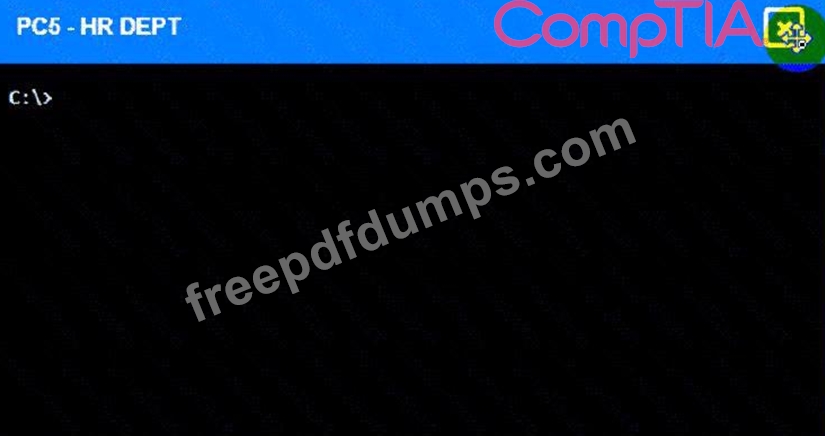
Cable Test Results:
Cable 1:

Cable 2:
Cable 3:

Cable 4:
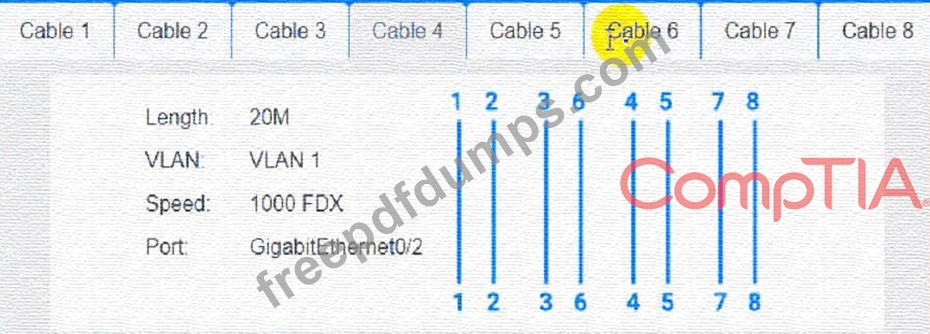
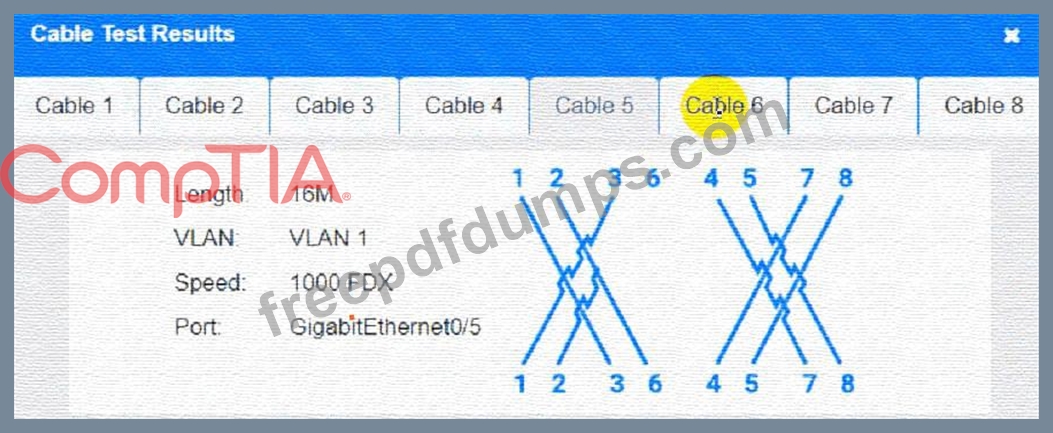
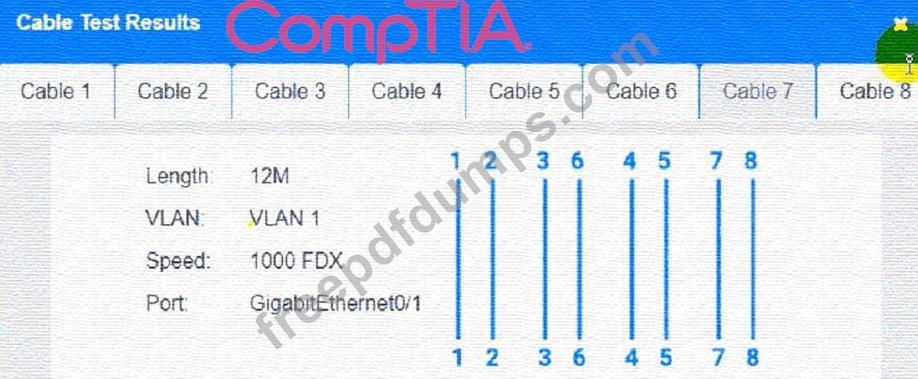
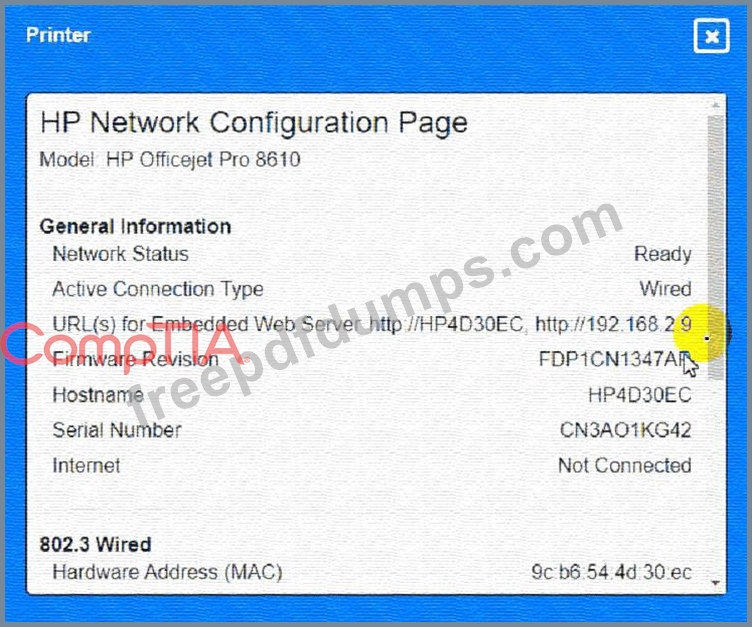

The customer reports that some of the devices are not connecting to the network, while others appear to work as intended.
INSTRUCTIONS
Troubleshoot all the network components and review the cable test results by Clicking on each device and cable.
Diagnose the appropriate component(s) by identifying any components with a problem and recommend a solution to correct each problem.
Cable Test Results:
Cable 1:
Cable 2:
Cable 3:
Cable 4: