

CKAD Exam Question 1
Exhibit:
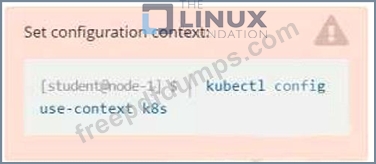
Task
You are required to create a pod that requests a certain amount of CPU and memory, so it gets scheduled to-a node that has those resources available.
* Create a pod named nginx-resources in the pod-resources namespace that requests a minimum of 200m CPU and 1Gi memory for its container
* The pod should use the nginx image
* The pod-resources namespace has already been created
Task
You are required to create a pod that requests a certain amount of CPU and memory, so it gets scheduled to-a node that has those resources available.
* Create a pod named nginx-resources in the pod-resources namespace that requests a minimum of 200m CPU and 1Gi memory for its container
* The pod should use the nginx image
* The pod-resources namespace has already been created
CKAD Exam Question 2
Exhibit:
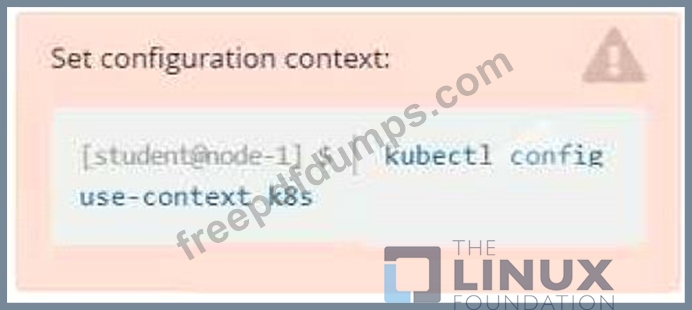
Context
It is always useful to look at the resources your applications are consuming in a cluster.
Task
* From the pods running in namespace cpu-stress , write the name only of the pod that is consuming the most CPU to file /opt/KDOBG030l/pod.txt, which has already been created.
Context
It is always useful to look at the resources your applications are consuming in a cluster.
Task
* From the pods running in namespace cpu-stress , write the name only of the pod that is consuming the most CPU to file /opt/KDOBG030l/pod.txt, which has already been created.
CKAD Exam Question 3
Exhibit:
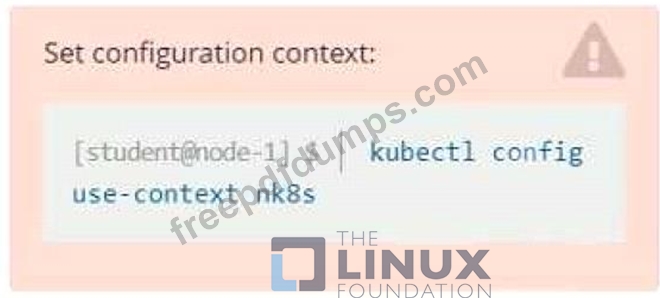
Task
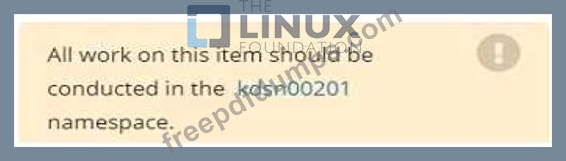
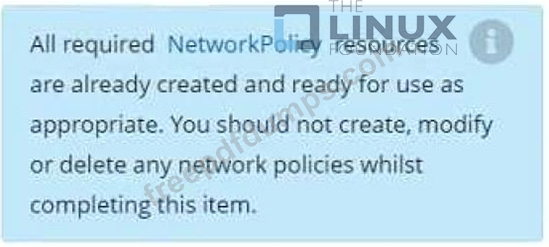
You have rolled out a new pod to your infrastructure and now you need to allow it to communicate with the web and storage pods but nothing else. Given the running pod kdsn00201 -newpod edit it to use a network policy that will allow it to send and receive traffic only to and from the web and storage pods.
Task
You have rolled out a new pod to your infrastructure and now you need to allow it to communicate with the web and storage pods but nothing else. Given the running pod kdsn00201 -newpod edit it to use a network policy that will allow it to send and receive traffic only to and from the web and storage pods.
CKAD Exam Question 4
Exhibit:

Context
Developers occasionally need to submit pods that run periodically.
Task
Follow the steps below to create a pod that will start at a predetermined time and]which runs to completion only once each time it is started:
* Create a YAML formatted Kubernetes manifest /opt/KDPD00301/periodic.yaml that runs the following shell command: date in a single busybox container. The command should run every minute and must complete within 22 seconds or be terminated oy Kubernetes. The Cronjob namp and container name should both be hello
* Create the resource in the above manifest and verify that the job executes successfully at least once
Context
Developers occasionally need to submit pods that run periodically.
Task
Follow the steps below to create a pod that will start at a predetermined time and]which runs to completion only once each time it is started:
* Create a YAML formatted Kubernetes manifest /opt/KDPD00301/periodic.yaml that runs the following shell command: date in a single busybox container. The command should run every minute and must complete within 22 seconds or be terminated oy Kubernetes. The Cronjob namp and container name should both be hello
* Create the resource in the above manifest and verify that the job executes successfully at least once
CKAD Exam Question 5
Context
Anytime a team needs to run a container on Kubernetes they will need to define a pod within which to run the container.
Task
Please complete the following:
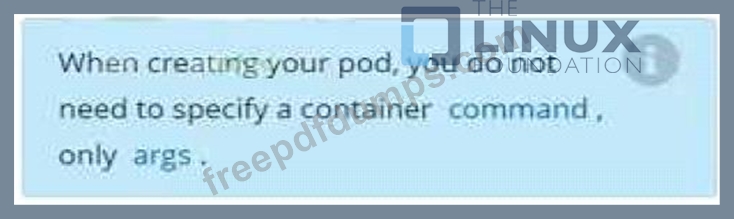
* Create a YAML formatted pod manifest
/opt/KDPD00101/podl.yml to create a pod named app1 that runs a container named app1cont using image Ifccncf/arg-output
with these command line arguments: -lines 56 -F
* Create the pod with the kubect1 command using the YAML file created in the previous step
* When the pod is running display summary data about the pod in JSON format using the kubect1 command and redirect the output to a file named /opt/KDPD00101/out1.json
* All of the files you need to work with have been created, empty, for your convenience
Anytime a team needs to run a container on Kubernetes they will need to define a pod within which to run the container.
Task
Please complete the following:
* Create a YAML formatted pod manifest
/opt/KDPD00101/podl.yml to create a pod named app1 that runs a container named app1cont using image Ifccncf/arg-output
with these command line arguments: -lines 56 -F
* Create the pod with the kubect1 command using the YAML file created in the previous step
* When the pod is running display summary data about the pod in JSON format using the kubect1 command and redirect the output to a file named /opt/KDPD00101/out1.json
* All of the files you need to work with have been created, empty, for your convenience