

AZ-500 Exam Question 21
Use the following login credentials as needed:
To enter your username, place your cursor in the Sign in box and click on the username below.
To enter your password, place your cursor in the Enter password box and click on the password below.
Azure Username: [email protected]
Azure Password: Ag1Bh9!#Bd
The following information is for technical support purposes only:
Lab Instance: 10598168
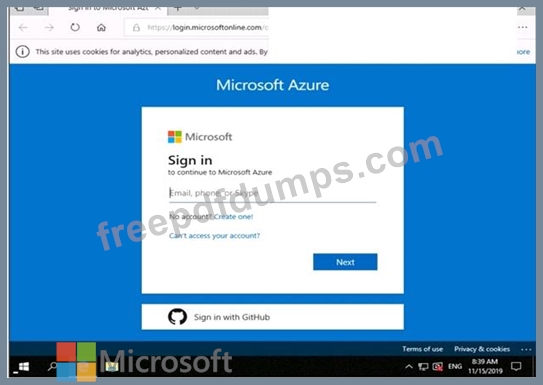
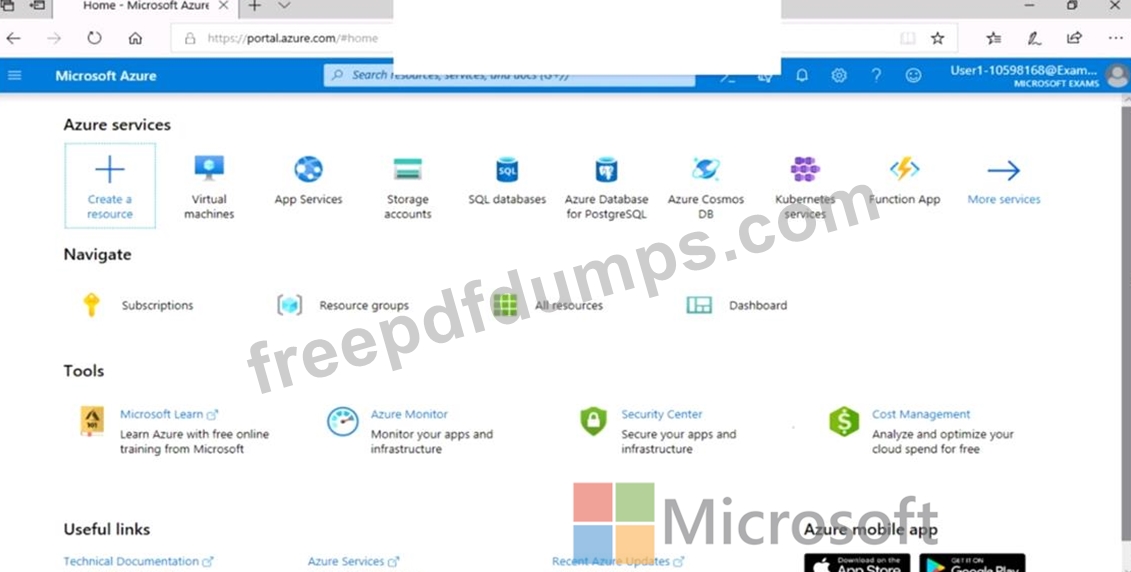


You need to add the network interface of a virtual machine named VM1 to an application security group named ASG1.
To complete this task, sign in to the Azure portal.
To enter your username, place your cursor in the Sign in box and click on the username below.
To enter your password, place your cursor in the Enter password box and click on the password below.
Azure Username: [email protected]
Azure Password: Ag1Bh9!#Bd
The following information is for technical support purposes only:
Lab Instance: 10598168
You need to add the network interface of a virtual machine named VM1 to an application security group named ASG1.
To complete this task, sign in to the Azure portal.
AZ-500 Exam Question 22
You create an alert rule that has the following settings:
Resource: RG1
Condition: All Administrative operations
Actions: Action groups configured for this alert rule: ActionGroup1
Alert rule name: Alert1
You create an action rule that has the following settings:
Scope: VM1
Filter criteria: Resource Type = "Virtual Machines"
Define on this scope: Suppression
Suppression config: From now (always)
Name: ActionRule1
For each of the following statements, select Yes if the statement is true. Otherwise, select No.
Note: Each correct selection is worth one point.

Resource: RG1
Condition: All Administrative operations
Actions: Action groups configured for this alert rule: ActionGroup1
Alert rule name: Alert1
You create an action rule that has the following settings:
Scope: VM1
Filter criteria: Resource Type = "Virtual Machines"
Define on this scope: Suppression
Suppression config: From now (always)
Name: ActionRule1
For each of the following statements, select Yes if the statement is true. Otherwise, select No.
Note: Each correct selection is worth one point.

AZ-500 Exam Question 23
You have an Azure subscription named Subscription1.
You deploy a Linux virtual machine named VM1 to Subscription1.
You need to monitor the metrics and the logs of VM1.
D18912E1457D5D1DDCBD40AB3BF70D5D
What should you use?
You deploy a Linux virtual machine named VM1 to Subscription1.
You need to monitor the metrics and the logs of VM1.
D18912E1457D5D1DDCBD40AB3BF70D5D
What should you use?
AZ-500 Exam Question 24
You have the Azure key vaults shown in the following table.

KV1 stores a secret named Secret1 and a key for a managed storage account named Key1.
You back up Secret1 and Key1.
To which key vaults can you restore each backup? To answer, select the appropriate options in the answer area.
NOTE: Each correct selection is worth one point.

KV1 stores a secret named Secret1 and a key for a managed storage account named Key1.
You back up Secret1 and Key1.
To which key vaults can you restore each backup? To answer, select the appropriate options in the answer area.
NOTE: Each correct selection is worth one point.

AZ-500 Exam Question 25
You network contains an on-premises Active Directory domain that syncs to an Azure Active Directory (Azure AD) tenant. The tenant contains the users shown in the following table.

The tenant contains the groups shown in the following table.

You configure a multi-factor authentication (MFA) registration policy that and the following settings:
Assignments:
Include: Group1
Exclude Group2
Controls: Require Azure MFA registration
Enforce Policy: On
For each of the following statements, select Yes if the statement is true. Otherwise, select No.

The tenant contains the groups shown in the following table.
You configure a multi-factor authentication (MFA) registration policy that and the following settings:
Assignments:
Include: Group1
Exclude Group2
Controls: Require Azure MFA registration
Enforce Policy: On
For each of the following statements, select Yes if the statement is true. Otherwise, select No.
