

SC-300 Exam Question 56
You have an Azure Active Directory (Azure AD) tenant named contoso.com that contains an Azure AD enterprise application named App1.
A contractor uses the credentials of [email protected].
You need to ensure that you can provide the contractor with access to App1. The contractor must be able to authenticate as [email protected].
What should you do?
A contractor uses the credentials of [email protected].
You need to ensure that you can provide the contractor with access to App1. The contractor must be able to authenticate as [email protected].
What should you do?
SC-300 Exam Question 57
You implement the planned changes for SSPR.
What occurs when User3 attempts to use SSPR? To answer, select the appropriate options in the answer area.
NOTE: Each correct selection is worth one point.
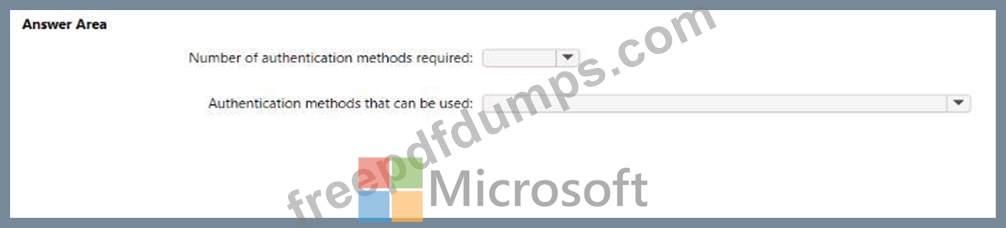
What occurs when User3 attempts to use SSPR? To answer, select the appropriate options in the answer area.
NOTE: Each correct selection is worth one point.

SC-300 Exam Question 58
You have an Azure Active Directory (Azure AD) tenant.
You need to review the Azure AD sign-in logs to investigate sign-ins that occurred in the past.
For how long does Azure AD store events in the sign-in logs?
You need to review the Azure AD sign-in logs to investigate sign-ins that occurred in the past.
For how long does Azure AD store events in the sign-in logs?
SC-300 Exam Question 59
You have 2,500 users who are assigned Microsoft Office 365 Enterprise E3 licenses. The licenses are assigned to individual users.
From the Groups blade in the Azure Active Directory admin center, you assign Microsoft 365 Enterprise E5 licenses to the users.
You need to remove the Office 365 Enterprise E3 licenses from the users by using the least amount of administrative effort.
What should you use?
From the Groups blade in the Azure Active Directory admin center, you assign Microsoft 365 Enterprise E5 licenses to the users.
You need to remove the Office 365 Enterprise E3 licenses from the users by using the least amount of administrative effort.
What should you use?
SC-300 Exam Question 60
Note: This question is part of a series of questions that present the same scenario. Each question in the series contains a unique solution that might meet the stated goals. Some question sets might have more than one correct solution, while others might not have a correct solution.
After you answer a question in this section, you will NOT be able to return to it. As a result, these questions will not appear in the review screen.
You have a Microsoft 365 tenant.
All users must use the Microsoft Authenticator app for multi-factor authentication (MFA) when accessing Microsoft 365 services.
Some users report that they received an MFA prompt on their Microsoft Authenticator app without initiating a sign-in request.
You need to block the users automatically when they report an MFA request that they did not initiate.
Solution: From the Azure portal, you configure the Notifications settings for multi-factor authentication (MFA).
Does this meet the goal?
After you answer a question in this section, you will NOT be able to return to it. As a result, these questions will not appear in the review screen.
You have a Microsoft 365 tenant.
All users must use the Microsoft Authenticator app for multi-factor authentication (MFA) when accessing Microsoft 365 services.
Some users report that they received an MFA prompt on their Microsoft Authenticator app without initiating a sign-in request.
You need to block the users automatically when they report an MFA request that they did not initiate.
Solution: From the Azure portal, you configure the Notifications settings for multi-factor authentication (MFA).
Does this meet the goal?