CKS Exam Question 16
You can switch the cluster/configuration context using the following command: [desk@cli] $ kubectl config use-context dev Context: A CIS Benchmark tool was run against the kubeadm created cluster and found multiple issues that must be addressed. Task: Fix all issues via configuration and restart the affected components to ensure the new settings take effect. Fix all of the following violations that were found against the API server: 1.2.7 authorization-mode argument is not set to AlwaysAllow FAIL 1.2.8 authorization-mode argument includes Node FAIL 1.2.7 authorization-mode argument includes RBAC FAIL Fix all of the following violations that were found against the Kubelet: 4.2.1 Ensure that the anonymous-auth argument is set to false FAIL 4.2.2 authorization-mode argument is not set to AlwaysAllow FAIL (Use Webhook autumn/authz where possible) Fix all of the following violations that were found against etcd: 2.2 Ensure that the client-cert-auth argument is set to true


CKS Exam Question 17
Secrets stored in the etcd is not secure at rest, you can use the etcdctl command utility to find the secret value for e.g:- ETCDCTL_API=3 etcdctl get /registry/secrets/default/cks-secret --cacert="ca.crt" --cert="server.crt" --key="server.key" Output
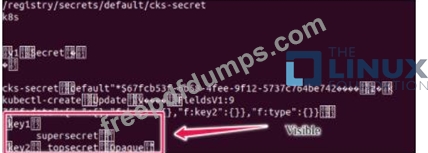
Using the Encryption Configuration, Create the manifest, which secures the resource secrets using the provider AES-CBC and identity, to encrypt the secret-data at rest and ensure all secrets are encrypted with the new configuration.
Using the Encryption Configuration, Create the manifest, which secures the resource secrets using the provider AES-CBC and identity, to encrypt the secret-data at rest and ensure all secrets are encrypted with the new configuration.
CKS Exam Question 18
Context
A CIS Benchmark tool was run against the kubeadm-created cluster and found multiple issues that must be addressed immediately.
Task
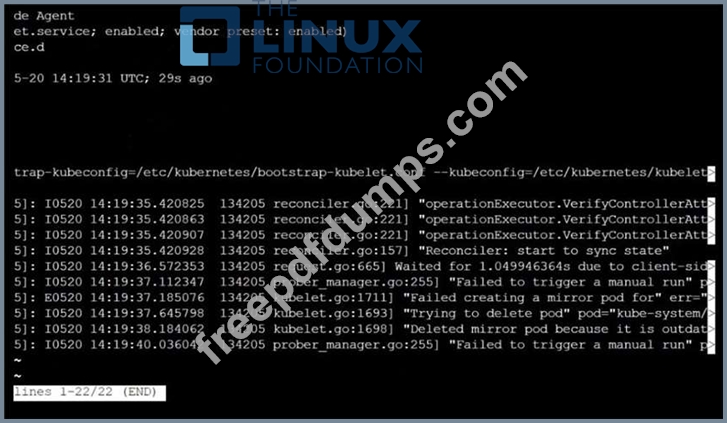
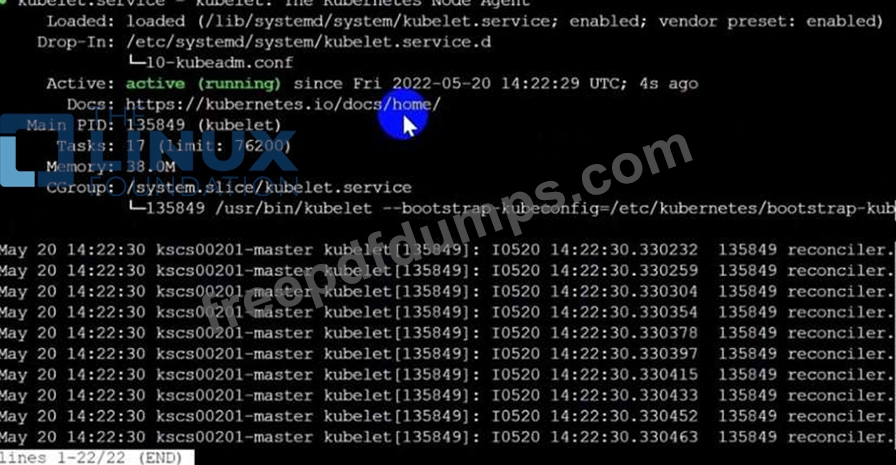
Fix all issues via configuration and restart the affected components to ensure the new settings take effect.
Fix all of the following violations that were found against the API server:

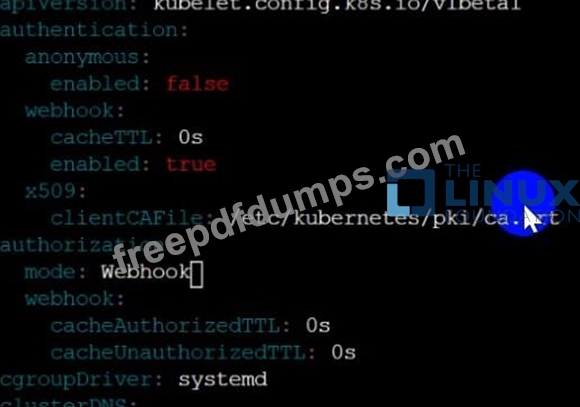
Fix all of the following violations that were found against the Kubelet:


Fix all of the following violations that were found against etcd:

A CIS Benchmark tool was run against the kubeadm-created cluster and found multiple issues that must be addressed immediately.
Task
Fix all issues via configuration and restart the affected components to ensure the new settings take effect.
Fix all of the following violations that were found against the API server:
Fix all of the following violations that were found against the Kubelet:
Fix all of the following violations that were found against etcd:




CKS Exam Question 19
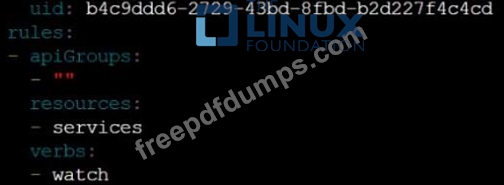
You can switch the cluster/configuration context using the following command: [desk@cli] $ kubectl config use-context prod-account Context: A Role bound to a Pod's ServiceAccount grants overly permissive permissions. Complete the following tasks to reduce the set of permissions. Task: Given an existing Pod named web-pod running in the namespace database. 1. Edit the existing Role bound to the Pod's ServiceAccount test-sa to only allow performing get operations, only on resources of type Pods. 2. Create a new Role named test-role-2 in the namespace database, which only allows performing update operations, only on resources of type statuefulsets. 3. Create a new RoleBinding named test-role-2-bind binding the newly created Role to the Pod's ServiceAccount. Note: Don't delete the existing RoleBinding.


CKS Exam Question 20
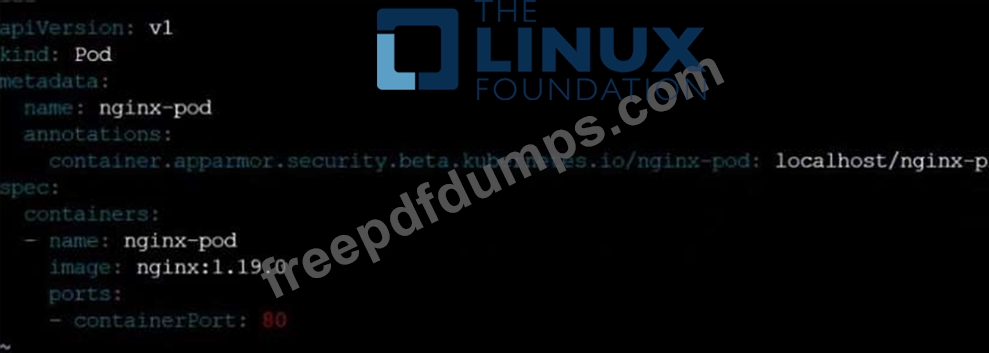
On the Cluster worker node, enforce the prepared AppArmor profile
#include <tunables/global>
profile nginx-deny flags=(attach_disconnected) {
#include <abstractions/base>
file,
# Deny all file writes.
deny /** w,
}
EOF'
Edit the prepared manifest file to include the AppArmor profile.
apiVersion: v1
kind: Pod
metadata:
name: apparmor-pod
spec:
containers:
- name: apparmor-pod
image: nginx
Finally, apply the manifests files and create the Pod specified on it.
Verify: Try to make a file inside the directory which is restricted.
#include <tunables/global>
profile nginx-deny flags=(attach_disconnected) {
#include <abstractions/base>
file,
# Deny all file writes.
deny /** w,
}
EOF'
Edit the prepared manifest file to include the AppArmor profile.
apiVersion: v1
kind: Pod
metadata:
name: apparmor-pod
spec:
containers:
- name: apparmor-pod
image: nginx
Finally, apply the manifests files and create the Pod specified on it.
Verify: Try to make a file inside the directory which is restricted.